
Key Takeaways
- Best Spotify Alternative Overall: Apple Music offers a massive catalog, seamless ecosystem integration, and spatial audio at no extra cost.
- Best for Audiophiles: Tidal and Qobuz lead the pack with true Hi-Res lossless audio (up to 24-bit/192kHz) for pure sound fidelity.
- Best for Discovery: YouTube Music utilizes Google’s powerful algorithm, making it perfect for finding rare covers, live performances, and remixes.
- Smart Migration: Before switching, you can use specialized tools like AudFun Spotify Music Converter to batch download your Spotify playlists locally at 320kbps, preserving all ID3 tags and metadata.
If you are reading this, you are probably feeling a bit of “Spotify fatigue.” Maybe you are tired of the constant interface updates that push podcasts and audiobooks over your favorite bands. Perhaps you are an audiophile still waiting for the mythical “Spotify HiFi” tier, or you simply want a platform that pays independent artists a fairer wage.
Whatever your reason, leaving the green giant can feel daunting. But the good news? The music streaming landscape has evolved massively. As a tech enthusiast who spends way too much time analyzing audio bitrates and metadata structures, I have tested nearly every platform out there.
Here is a comprehensive breakdown of the top 10 best Spotify alternatives available today, complete with pros, cons, and a comparison guide to help you find your new sonic home.
Top 10 Spotify Alternatives for Every Listener
1. Apple Music (Best Overall)
If you own an iPhone, Mac, or AirPods, Apple Music is the logical Spotify alternative. It boasts a library of over 100 million tracks and seamlessly integrates with iOS and macOS. Apple has heavily invested in its classical music catalog, offering vastly superior metadata organization compared to Spotify.
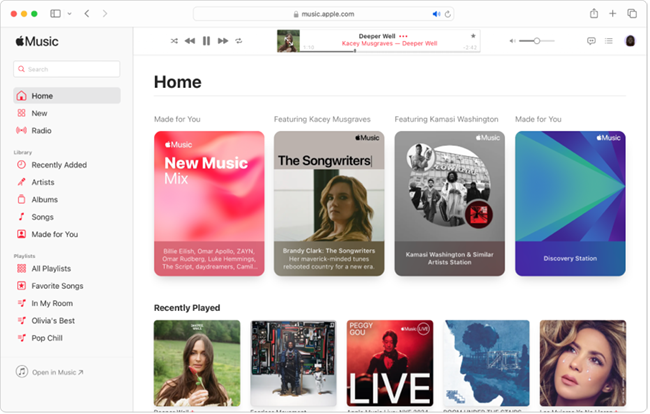
The Geek’s Take: Apple Music includes Lossless ALAC (Apple Lossless Audio Codec) and Spatial Audio with Dolby Atmos at no additional charge. The soundstage feels wider, and the audio engine is incredibly stable.
- Pros: Included lossless and Spatial Audio; flawless Apple ecosystem integration; excellent live radio (Apple Music 1).
- Cons: The Windows and Android apps, while functional, lack the buttery smoothness of their iOS counterparts.
2. Tidal (Best for Audiophiles)
Tidal has long been the champion for listeners who care deeply about sound fidelity. Recently, they simplified their pricing, making high-fidelity audio much more accessible without needing a premium “HiFi Plus” tier.
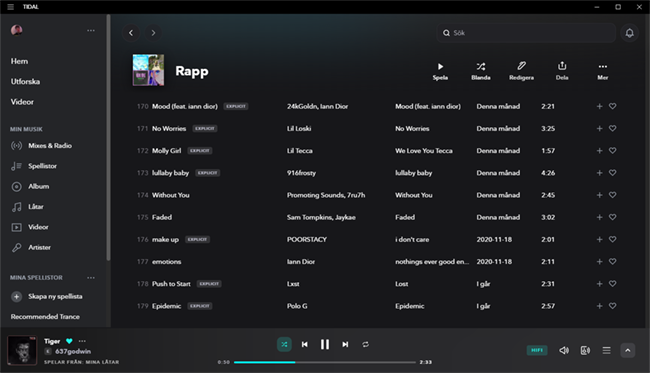
The Geek’s Take: Tidal delivers Hi-Res FLAC up to 24-bit/192kHz. If you have a good DAC (Digital-to-Analog Converter) and a pair of high-end headphones, the clarity and depth here will ruin Spotify for you forever.
- Pros: Pristine Hi-Res FLAC audio; higher artist payouts; clean, music-focused user interface.
- Cons: The music discovery algorithm still lags slightly behind Spotify’s “Discover Weekly.”
3. YouTube Music (Best for Discovery & Rare Tracks)
If your musical taste leans heavily into underground DJ sets, unreleased mixtapes, or acoustic covers, YouTube Music is unmatched. It pulls directly from YouTube’s massive video database, blending official studio releases with user-generated content.
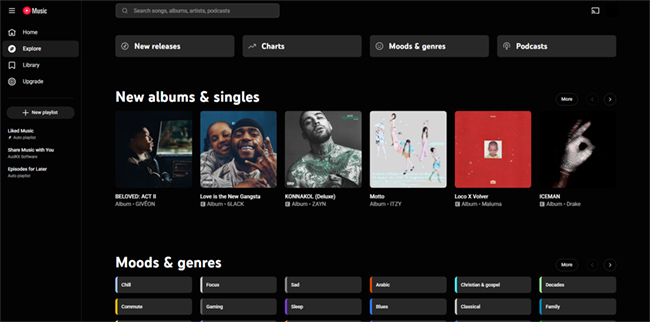
The Geek’s Take: The algorithm is incredibly aggressive and accurate. While the audio quality maxes out at 256kbps AAC (comparable to Spotify’s 320kbps Ogg Vorbis), the sheer volume of rare content makes up for the lack of lossless options.
- Pros: Unbeatable catalog of remixes and live performances; excellent predictive algorithm; ad-free YouTube included with Premium.
- Cons: No lossless audio option; the interface can feel cluttered with video content.
4. Amazon Music Unlimited (Best for Prime Members)
Often overlooked, Amazon Music Unlimited is a sleeping giant as one of the best Spotify alternatives, especially if you are already entrenched in the Alexa ecosystem or have an Amazon Prime subscription (which gets you a monthly discount).
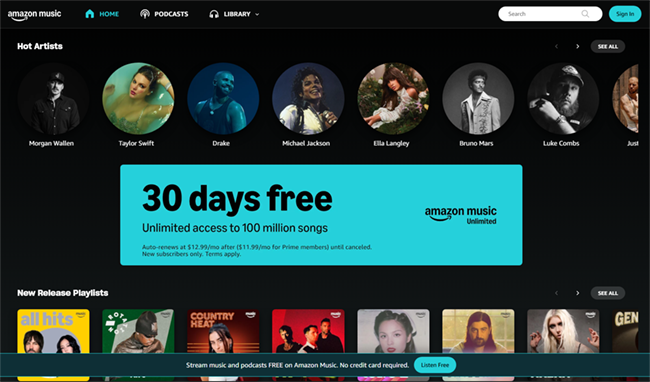
The Geek’s Take: Like Apple and Tidal, Amazon offers “Ultra HD” audio (up to 24-bit/192kHz) and Spatial Audio. The audio engine beneath it is rock solid, even if the UI leaves something to be desired.
- Pros: Discounted rate for Prime members; excellent voice control via Alexa; solid Ultra HD audio catalog.
- Cons: The desktop app can be clunky and unresponsive at times.
5. Deezer (Best for User Experience)
Deezer is the closest to Spotify in terms of UI and algorithmic playlists. Its standout feature is “Flow,” an infinite, personalized mix of your favorites and newly recommended tracks based on your listening habits.
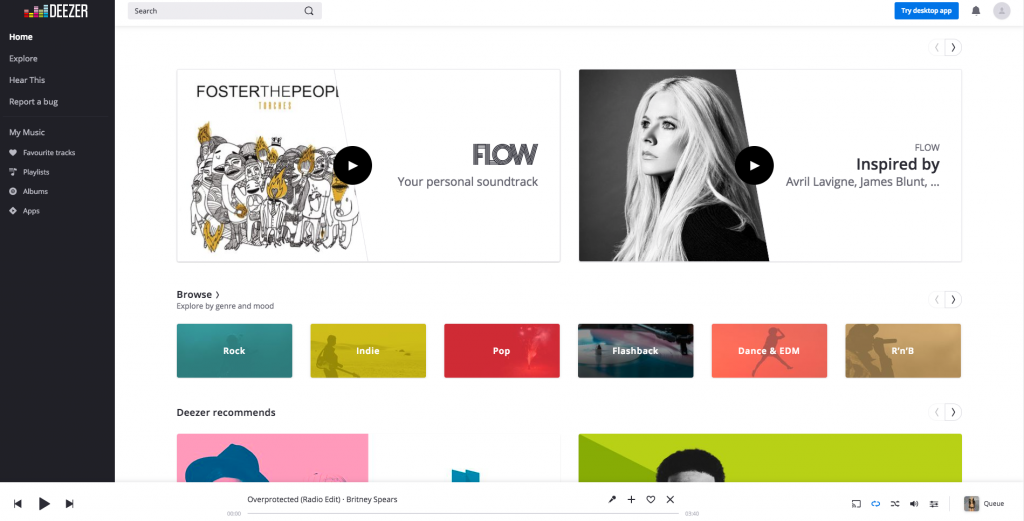
The Geek’s Take: Deezer offers a “High Fidelity” tier streaming in 16-bit/44.1kHz FLAC. It is a highly balanced platform that makes transitioning from Spotify feel incredibly natural.
- Pros: “Flow” is an amazing discovery tool; built-in “SongCatcher” (like Shazam); clean and intuitive UI.
- Cons: A slightly smaller user base means fewer shared community playlists.
6. Qobuz (Best for Classical & Jazz Aficionados)
Qobuz is a niche, premium service built specifically for hardcore audiophiles. It doesn’t bother with podcasts or social features; it is 100% about the music and the people who make it.
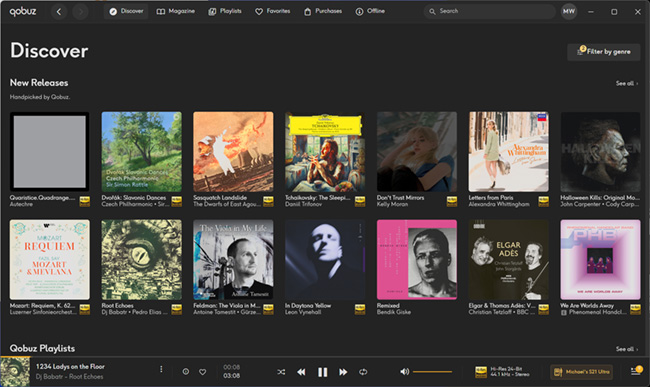
The Geek’s Take: Qobuz not only streams in Hi-Res but also provides extensive digital booklets, liner notes, and deep metadata. If you want to know exactly who played the cello on track 4, Qobuz has the answer.
- Pros: Industry-leading editorial content and digital booklets; pristine Hi-Res audio; integrated download store.
- Cons: Lacks algorithmic radio features; smaller mainstream catalog.
7. SoundCloud (Best for Indie & Electronic Music)
SoundCloud is the birthplace of modern hip-hop and electronic dance music. It is less of a traditional streaming service and more of a creator community where anyone can upload a track.
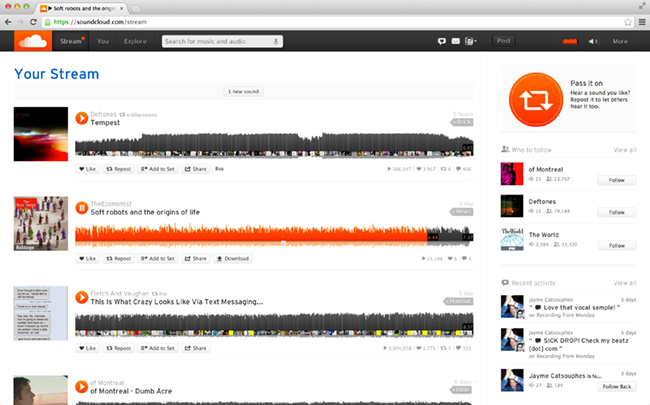
The Geek’s Take: If you want to discover artists before they hit the mainstream, this is the place. You won’t find perfectly curated ID3 tags here, but you will find raw, unfiltered talent.
- Pros: Massive indie community; exclusive DJ mixes and mashups; direct artist interaction.
- Cons: Inconsistent audio quality depending on user uploads; messy metadata.
8. Bandcamp (Best for Supporting Artists)
Bandcamp isn’t a subscription streaming service in the traditional sense, but it is the ultimate alternative for ethical consumption. You buy music directly from the artists.
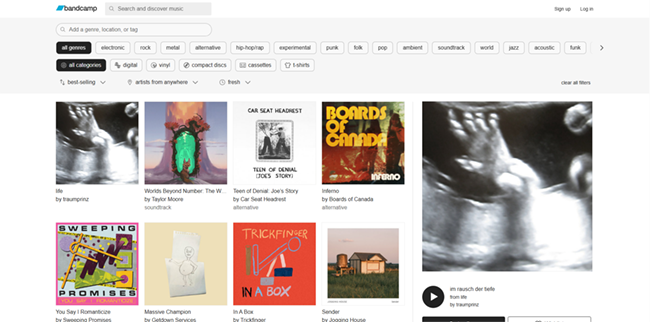
The Geek’s Take: When you purchase an album, you can download it in multiple formats, including MP3, FLAC, ALAC, and WAV. It is the best way to build a true, offline local library while giving artists the lion’s share of the revenue.
- Pros: Artists keep the vast majority of the revenue; DRM-free high-res downloads; fantastic community features.
- Cons: You have to purchase music piecemeal; not designed for passive playlist streaming.
9. Pandora (Best for Passive Radio)
If you treat music as background noise and hate spending time building playlists, Pandora’s Music Genome Project is still one of the best predictive engines in the world.
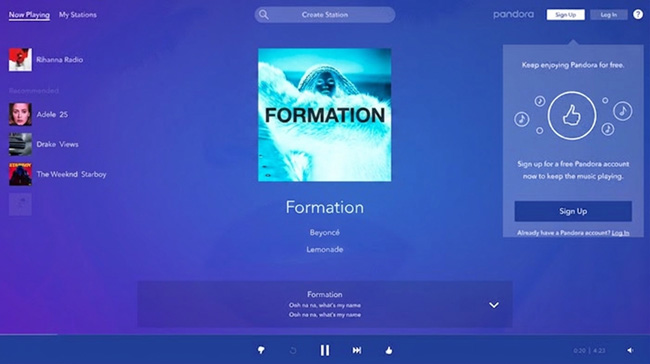
The Geek’s Take: It’s strictly for the US market and focuses heavily on lean-back listening. The audio quality isn’t winning any awards, but the station curation is effortless.
- Pros: Best-in-class automated radio stations; highly accurate “thumbs up/down” algorithm.
- Cons: US-only availability; lower audio quality; limited on-demand listening on lower tiers.
10. Audiomack (Best Free Alternative for Mixtapes)
Audiomack is a youth-oriented platform heavily focused on Hip-Hop, Afrobeats, and Latin music. It allows artists to upload their tracks for free and gives listeners a surprisingly robust free tier.
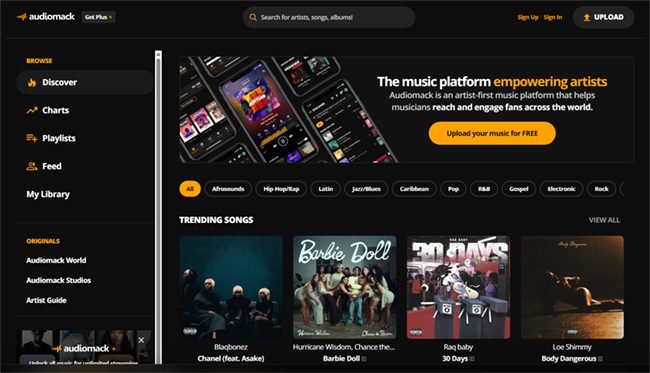
The Geek’s Take: It offers a free tier that actually allows offline caching. It’s a fantastic secondary app to have alongside a premium subscription elsewhere.
- Pros: Generous free tier with offline listening; great for niche urban genres and mixtapes.
- Cons: Heavy ad presence on the free tier; lacks a comprehensive global pop/rock catalog.
Spotify Alternatives Comparison Chart
| Platform | Best For | Max Audio Quality | Standout Feature |
|---|---|---|---|
| Apple Music | Overall Experience | 24-bit/192kHz (ALAC) | Spatial Audio / Ecosystem |
| Tidal | Audiophiles | 24-bit/192kHz (FLAC) | High-Fidelity Soundstage |
| YouTube Music | Discovery | 256kbps (AAC) | Rare Covers & Live Sets |
| Amazon Music | Prime Members | 24-bit/192kHz (FLAC) | Alexa Integration |
| Deezer | Smooth UI | 16-bit/44.1kHz (FLAC) | “Flow” Infinite Mix |
| Qobuz | Jazz/Classical | 24-bit/192kHz (FLAC) | Digital Booklets & Deep Metadata |
| SoundCloud | Indie & EDM | 256kbps (AAC) | Creator Uploads & DJ Sets |
| Bandcamp | Ethical Listening | Variable (FLAC/WAV/MP3) | Direct Artist Support & Downloads |
| Pandora | Passive Radio | 192kbps (AAC) | Music Genome Project |
| Audiomack | Mixtapes (Free) | 320kbps (MP3) | Free Offline Caching |
Pro Tip: How to Back Up Your Spotify Library Before Switching
The biggest barrier to leaving Spotify is the fear of losing your carefully curated playlists. While there are cloud-based syncing tools to transfer playlists between services, many users prefer to create a hard local backup of their favorite tracks to avoid relying on another subscription service.
If you want to keep your music permanently offline, using a reliable downloading tool is a game-changer. For this, I highly recommend AudFun Spotify Music Converter. In my experience testing format conversion tools, AudFun is consistently the most efficient software for extracting your playlists and saving them locally without compromising audio fidelity or messing up your library’s organization.
AudFun Spotify Music Converter
- Preserves 100% lossless output Spotify songs, albums, playlists, etc.
- Supports the conversion of Spotify music files at a high speed of X5 rate
- Listen to Spotify offline without premium on multiple devices and platforms
- Converts Spotify music to several formats like FLAC, M4A, MP3, etc.
Here is how you handle your migration like a pro using AudFun:
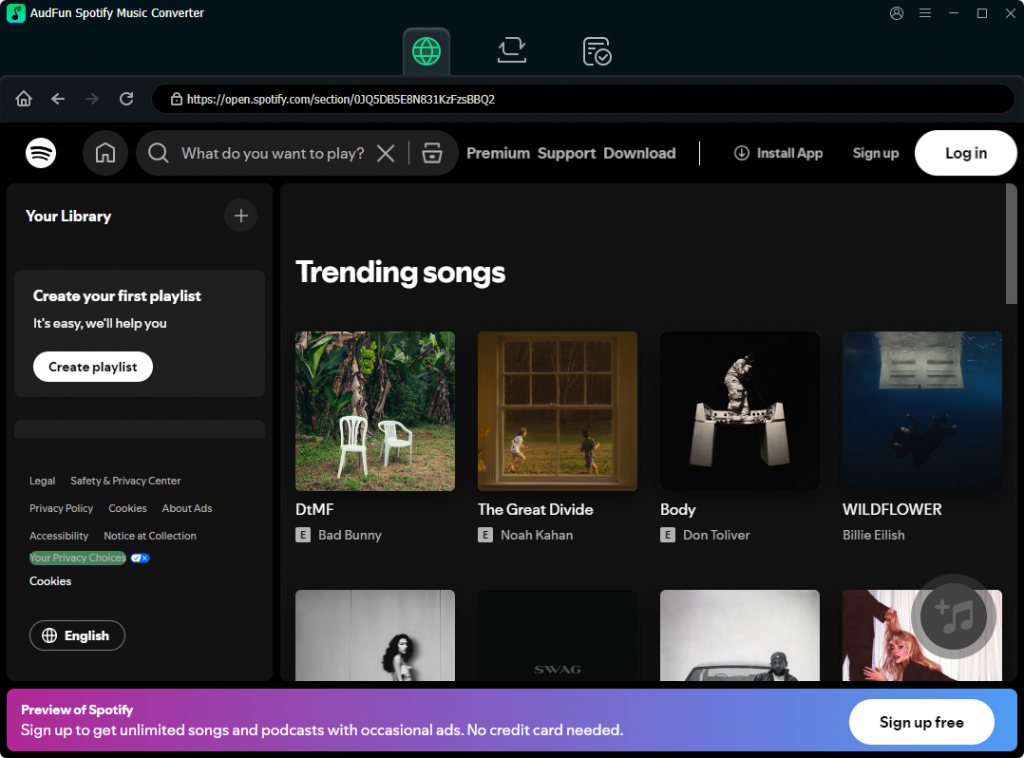
Step 1. Download and Install
Download and install AudFun Spotify Music Converter on your Windows or Mac.
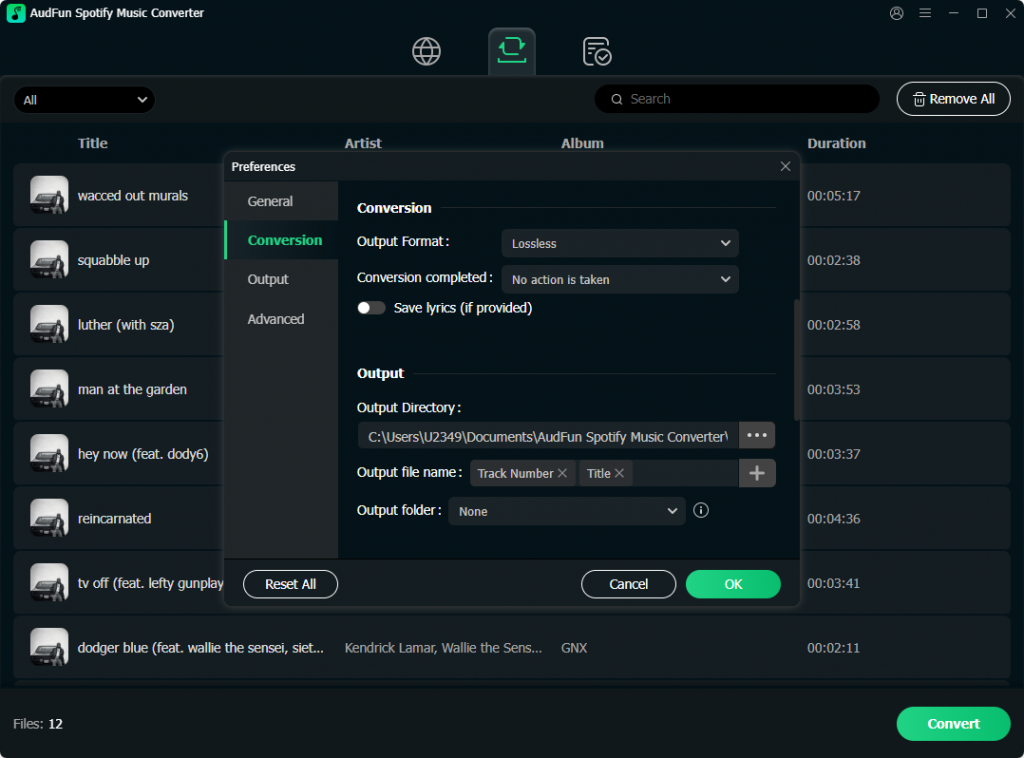
Step 2. Select the Right Output Format
Launch AudFun and set your desired output format. The software supports standard, universally playable formats like MP3, FLAC, WAV, AAC, M4A, and M4B.
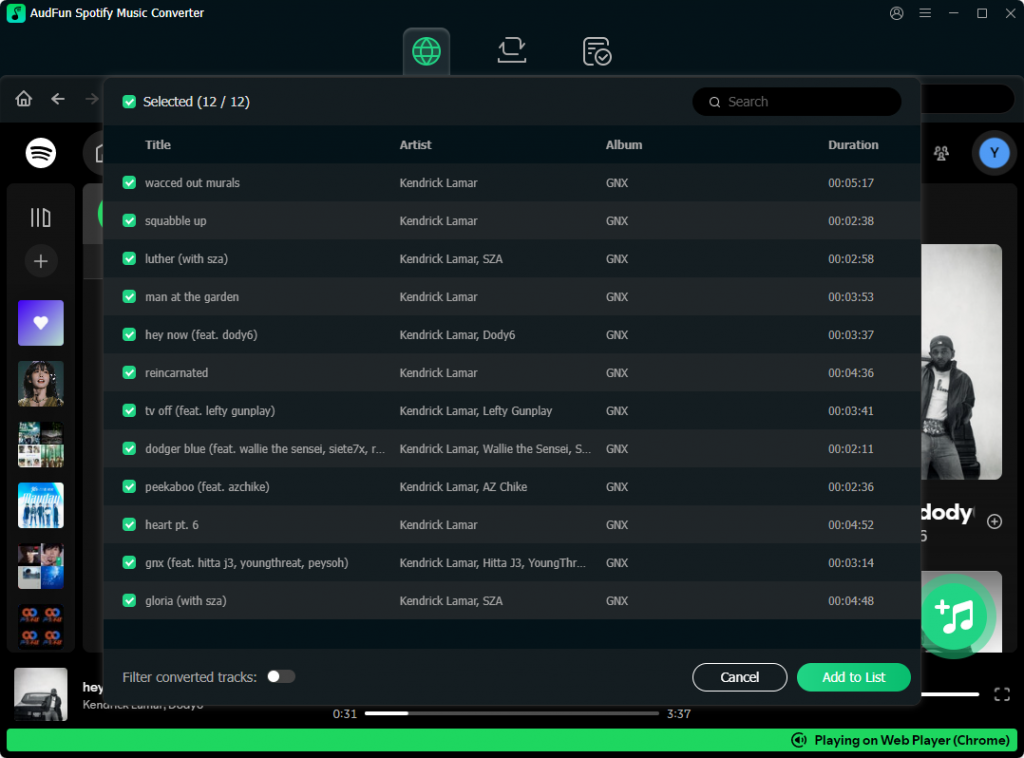
Step 3. Add Songs to Playlist
Now you can add songs to your playlist to download songs. Just search songs in the built-in Spotify player, and click on the + button to add songs to the download list.
Step 4. Download Spotify Songs
AudFun supports batch processing at up to 5x speed. You can literally drag and drop a massive 500-song playlist into the interface, hit convert, and let it run in the background.
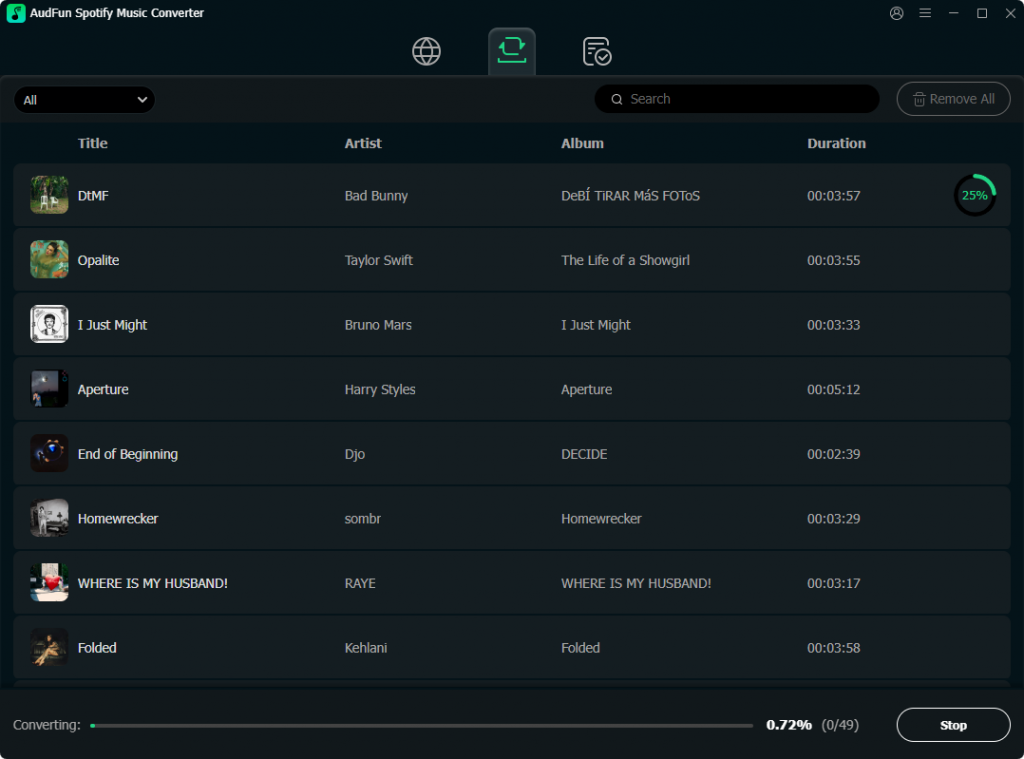
Once AudFun finishes processing, your library is safely stored locally. You can easily drag and drop these files into Apple Music, YouTube Music, or a dedicated local player like Plexamp. You are now completely free to cancel your Spotify subscription without leaving your musical history behind.
Frequently Asked Questions (FAQs)
1. Will I lose my playlists if I cancel Spotify?
If you simply cancel your premium subscription, your account reverts to the free tier, and your playlists remain intact. However, if you want to move them to a new service, you should use third-party transfer tools or back them up locally using a format converter like AudFun before closing your account entirely.
2. Which Spotify alternative has the best audio quality?
Tidal, Qobuz, Apple Music, and Amazon Music Unlimited all offer true lossless and Hi-Res audio (up to 24-bit/192kHz). Tidal and Qobuz are generally considered the top choices for purists due to their exclusive focus on high-fidelity playback and compatibility with external DACs.
3. Is there a truly free alternative to Spotify?
YouTube Music and Audiomack offer very generous free tiers, though they are ad-supported. If you are looking for an ad-free experience without a subscription, your best bet is listening to internet radio or purchasing tracks directly on Bandcamp to build a local, offline library.
Conclusion
Breaking away from Spotify’s ecosystem might feel intimidating, but the alternatives offer massive upgrades in audio fidelity, cleaner interfaces, and fairer artist compensation. Whether you dive into the seamless Apple ecosystem, chase bitrates on Tidal, or hunt for rare remixes on YouTube Music, there is a perfect platform waiting for you. Don’t forget to back up your playlists locally with a solid tool like AudFun Spotify Music Converter to preserve your 320kbps tracks and ID3 tags, and enjoy your new, upgraded listening experience!